Monthly Archive:: November 2013
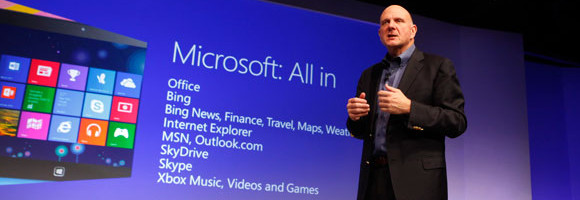
Like most of the software products, Windows Operating system also has a lifecycle. It starts with beginning of the Operating System sale and ends when the Operating System is no more supported. We have witnessed the end support of Windows 98, 2000 and Me. And, you might know that Windows XP is nearing its end
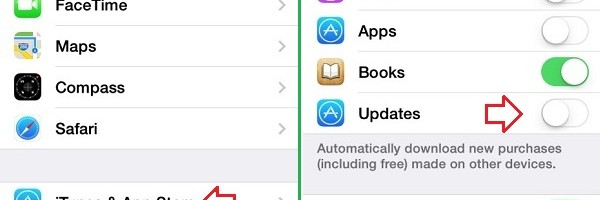
Automatic app updates is a very useful feature in iOS7, in fact it takes care of keeping the installed apps updated with latest bug fixes and feature changes! Even though its a very nice feature, you might prefer to keep the current version of an app without upgrading it to a newer version. Follow the
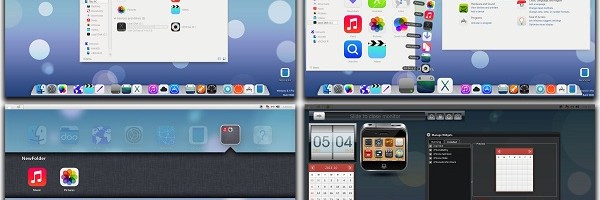
iOS7 is the latest mobile operating system from Apple. iOS team has revamped entire look and feel in iOS7 when compared to the previous versions of iOS releases. If you are a fan of iOS7 or you would like to get a feel of iOS7 on your windows 8 or 8.1 system, here is a
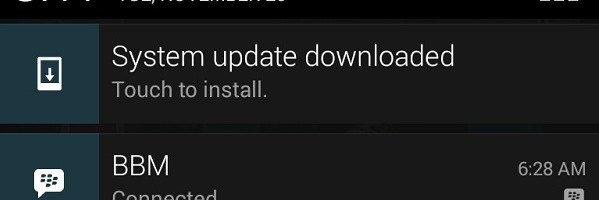
Official Android 4.4 KitKat is spreading across the world!. We also received the update for the Nexus 4 device. There is no new launcher available with the KitKat shipped for Nexus 4. There are no changes in the icon background and the icon groups. There are changes in the dialer, settings,lock screen, contacts, search for
YouTube is one of the favorite destinations of most of the net surfers!. You will find many video albums, conversations, tutorials and tunes of your interest in YouTube. Some times you would be very keen to get a high quality MP3 file of a video you watched in YouTube. With the help of many online
Capturing the screen in iPhone 5S and5C is pretty simple and straight forward! You need to follow the steps below to capture the current screen as an image. 1. In your iPhone 5S or 5C, navigate to the screen on app you need to capture as an image 2. Press the ‘Power’ button and ‘Home’